
All conference information is available on the show app. Download it to join the fun and navigate onsite.
To make the most of your show experience, we recommend downloading the show app prior to arriving onsite. Simply search “NASTT Events” in your app store to download. You will use your conference registration email address and badge number to log in once you’ve downloaded the app.
Search your app store for “NASTT Events” or just click on your app store icon below!


Within the mobile app, you can log into My Planner using the login and password below. My Planner allows you to bookmark sessions, speakers, and take notes.
Login: Registration email address (this is the email address you used to register for the 2026 No-Dig North conference)
Password: Badge ID (located in your registration confirmation email)
Click here for the Google link
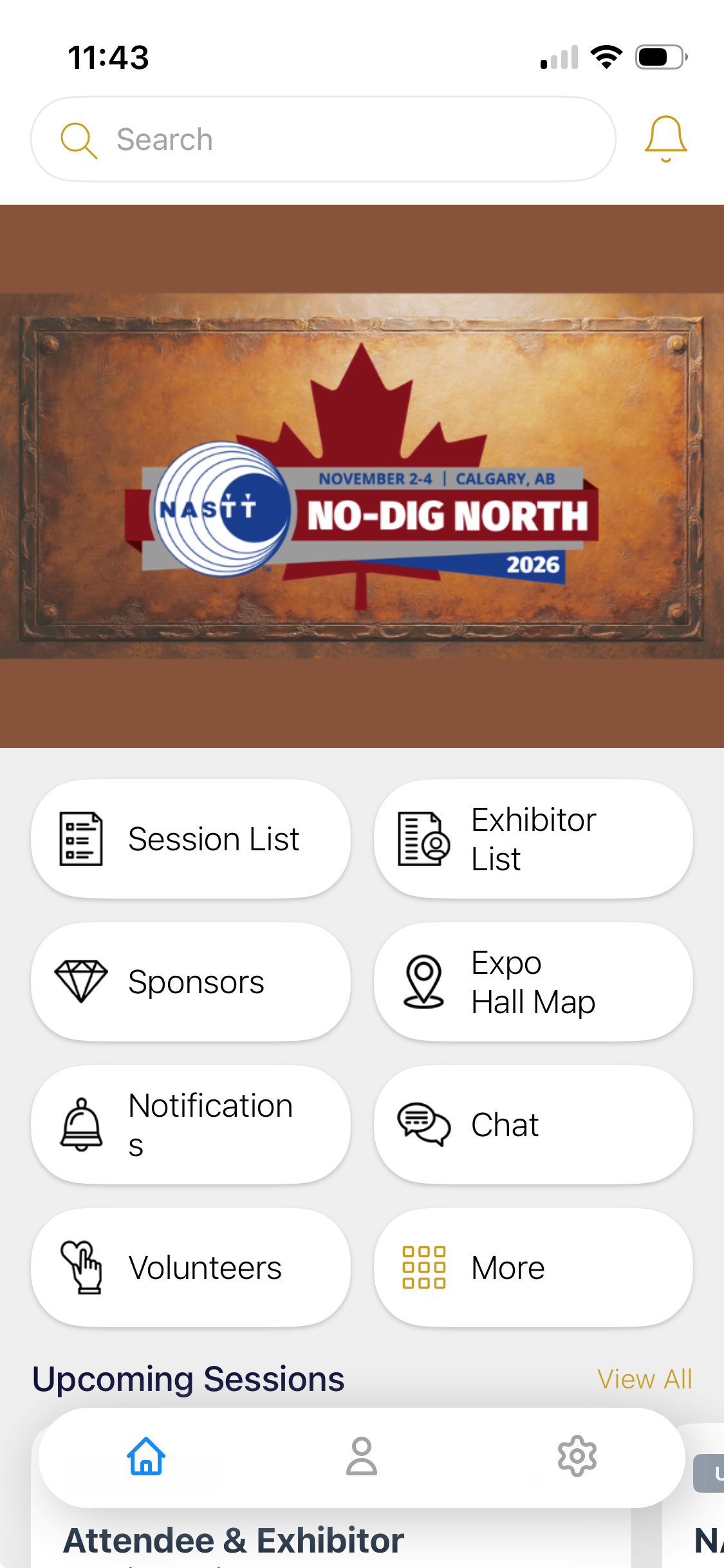
To ensure your app is reflecting the newly launched event heading into No-Dig North in Calgary follow the instructions below:
Once you open the NASTT Events app-
Click on the settings gear icon pictured in the red box below
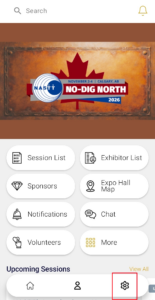
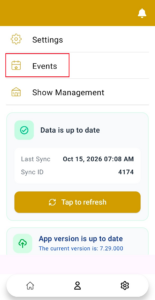
Click on Events in the menu pictured in the red box below
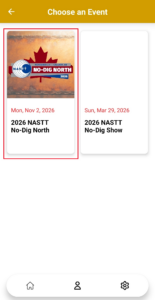
Click on the 2026 NASTT No-Dig North event icon pictured in the red box below